Personal Project · Arduino · 2022–23
Speedcubing Timer
A practice timer that behaves like the Stackmat timers used at competitions: hands on the pads, lift to start, 15 seconds of inspection with penalties. Version one sensed the cube; version two sensed my hands, which took a calibration program to get right.
2022–2023 · Personal project
Arduino (C++) · Capacitive Sensing · I2C · Fritzing · 3D Printing
Objective
I compete in speedcubing. At official competitions, solves are timed on a Stackmat: you rest both hands on the pads, lift them to start, and put them back to stop, after a 15-second inspection period with penalties for going over. I wanted a practice timer that did all of that, and generated scrambles too.
Version 1: Ultrasonic Sensing
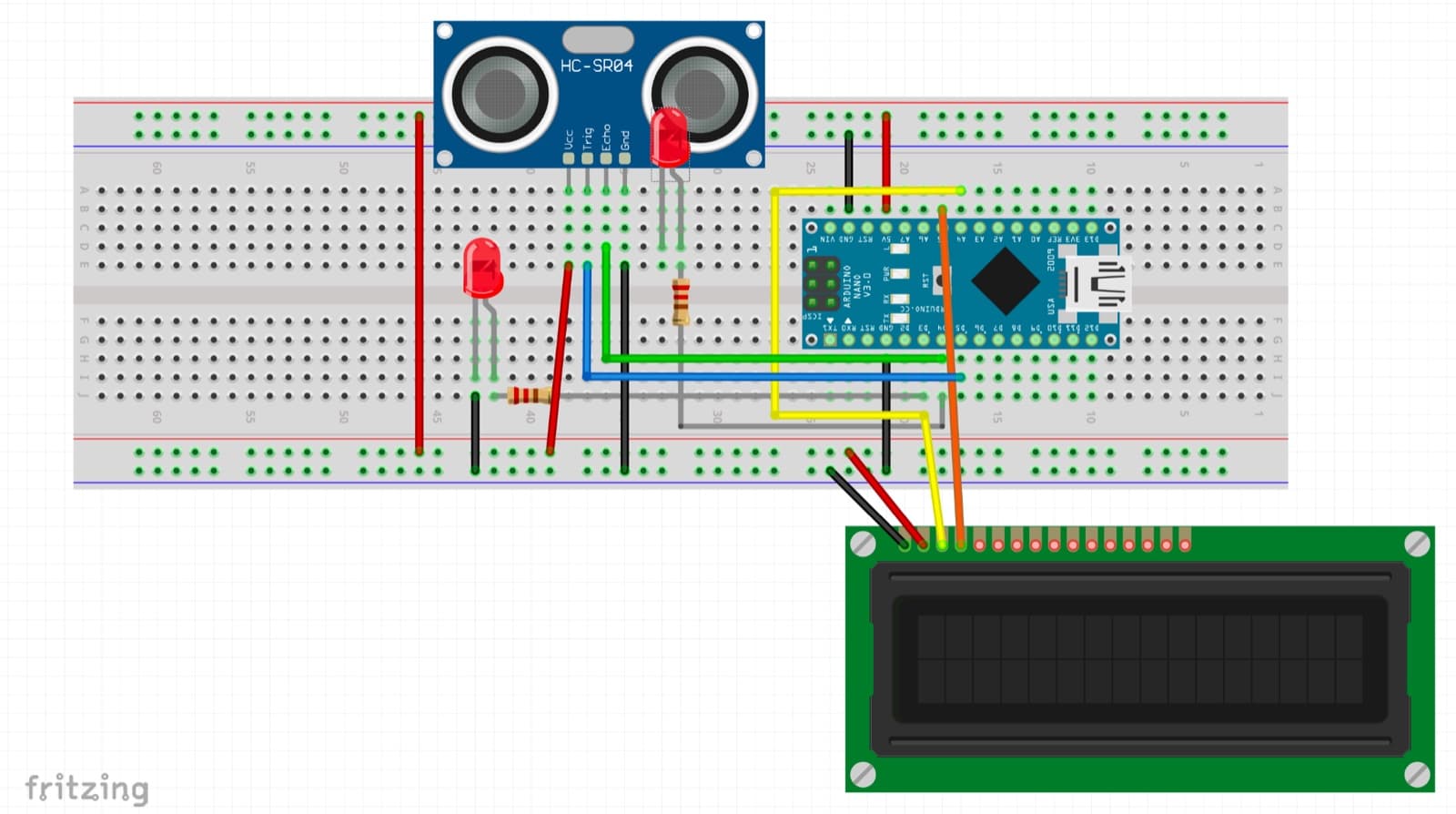
The first version had a single input, an HC-SR04 ultrasonic sensor, which detects the cube instead of hands. It measures how long a sound pulse takes to bounce back and converts that to distance:
distance = echo time · speed of sound / 2
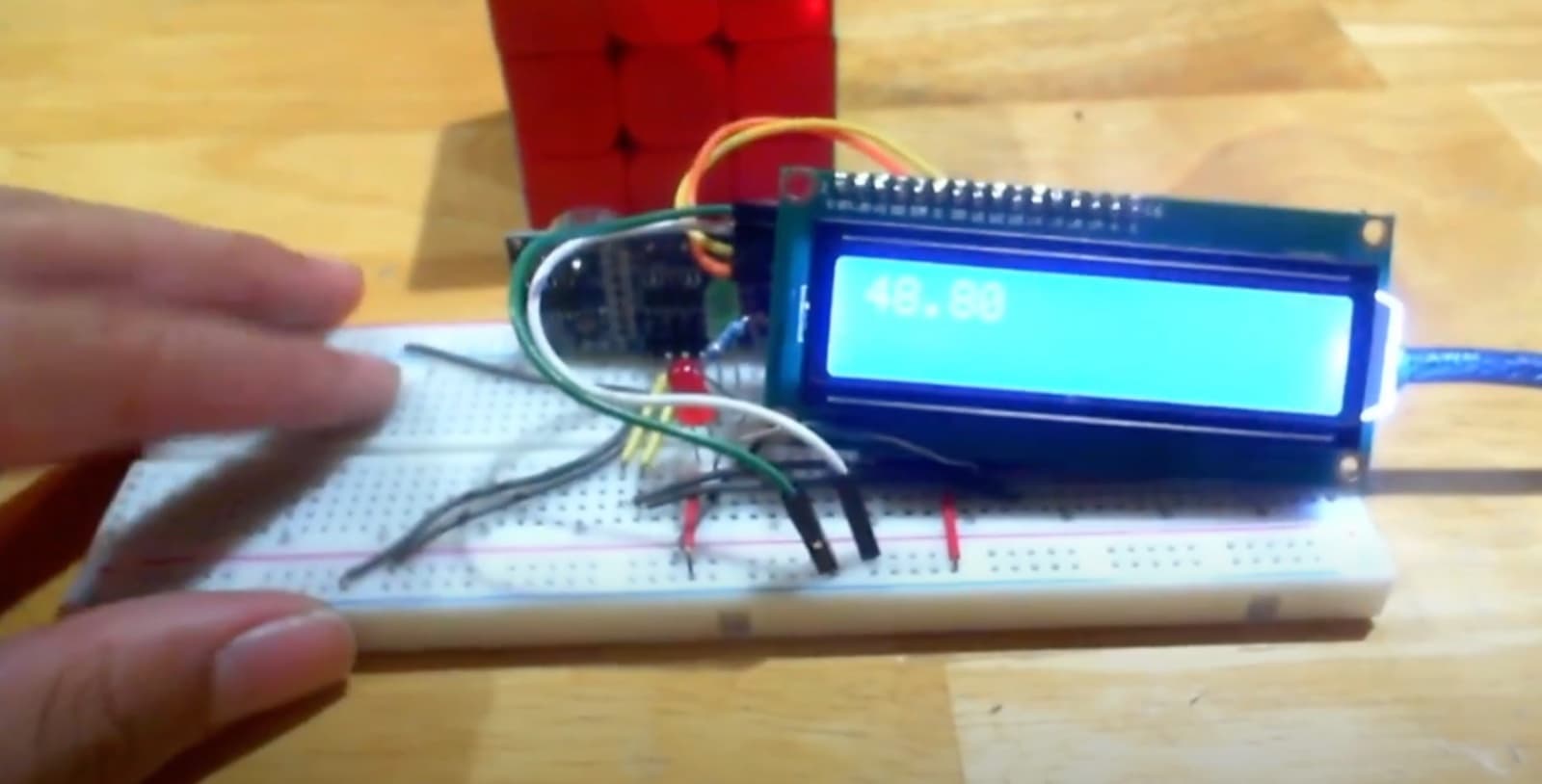
A cube within 4 inches counts as placed. The same sensor steps the timer through its whole sequence: show a scramble, count down inspection, then time the solve, with a red LED while waiting and a green one while timing. Scrambles are 20 random moves that never turn the same face twice in a row, which would cancel out. I used an LCD with an I2C adapter, which needs only two data pins and has its own brightness control.
Version 2: Capacitive Touch
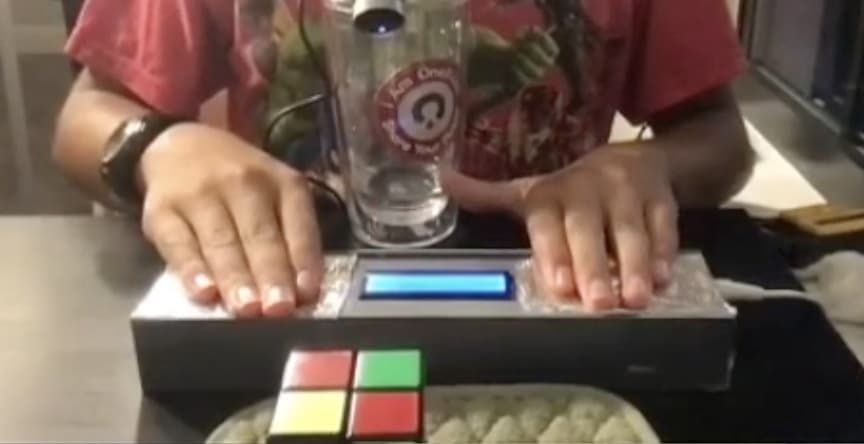
V1 worked, but it didn’t feel like a real timer, since it sensed the cube rather than your hands, and the electronics sat exposed on a breadboard. For V2, I switched to capacitive touch pads, the same way an official Stackmat works. Each pad is aluminum foil glued to the shell and wired through a 1 MΩ resistor, and the Arduino measures how long the pad takes to charge, which rises when a hand is on it.
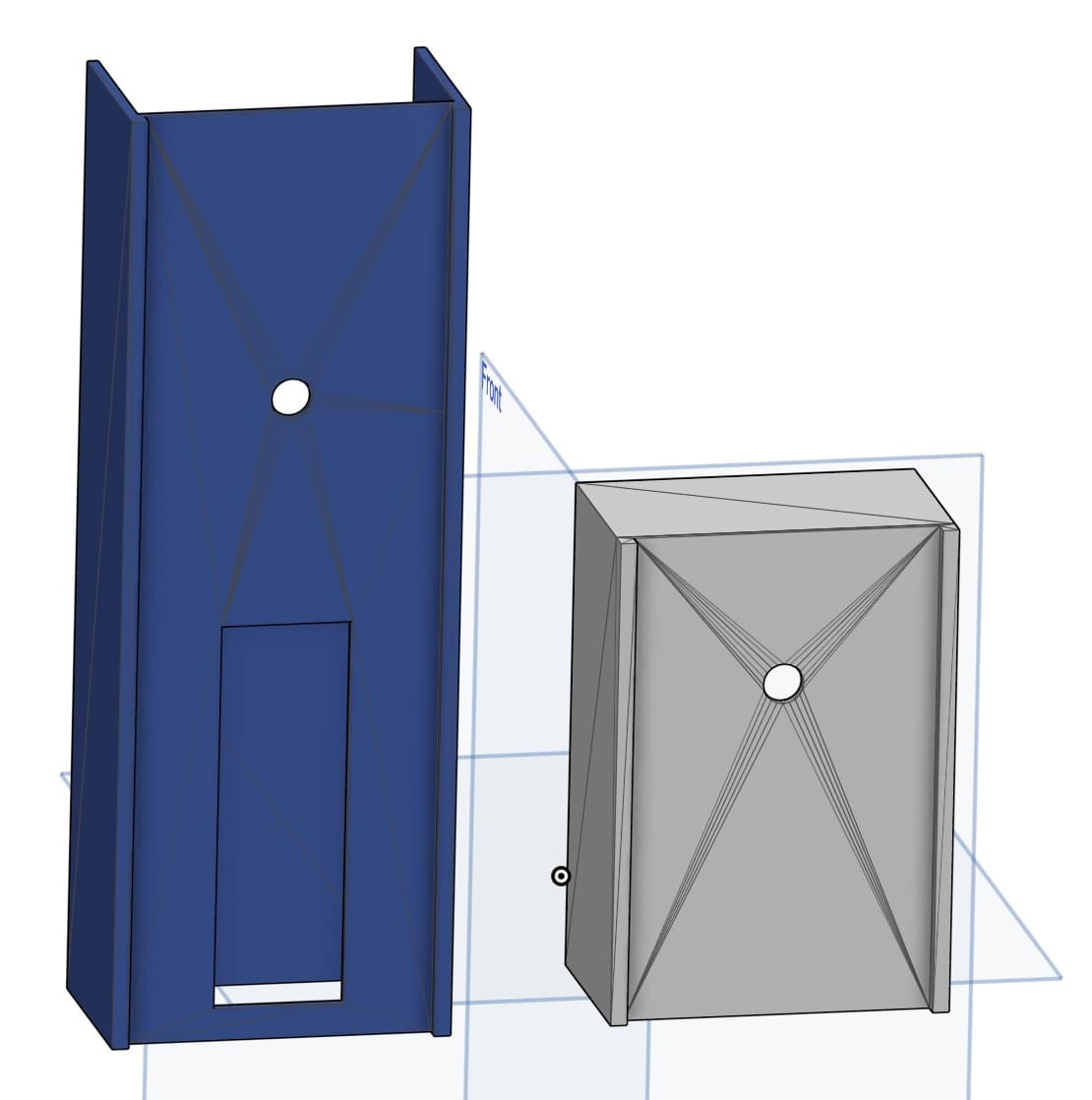
V2 also applies the competition rules itself. It counts down 15 seconds of inspection, adds a +2 penalty if you start late, and records a DNF past 17 seconds, then shows the solve to the millisecond. Everything lives in a 3D-printed shell, printed in two halves and glued, since the whole thing was too big for the printer’s bed.
Sensor Calibration
The touch pads were the hardest part to get working reliably. A capacitive reading depends on everything around it: humidity, elevation, even the person touching it, so a threshold that works in one setting can fail in another. I wrote a separate calibration program to watch the raw readings, and after a lot of trial and error found the answer was a threshold far lower than I expected, but still high enough that the pads wouldn’t register touches that weren’t there.
Result
A timer that works like the ones at competitions, in a shell sturdy enough to use every day.